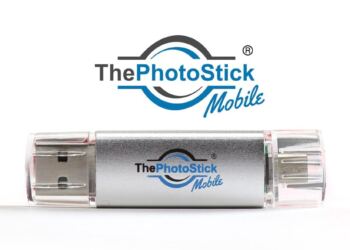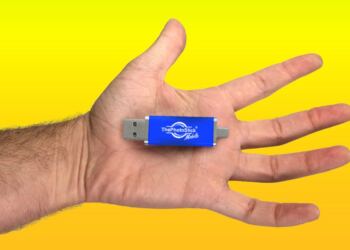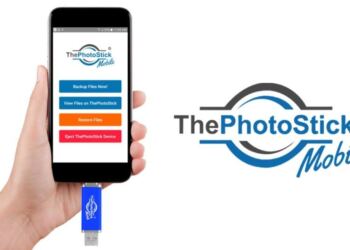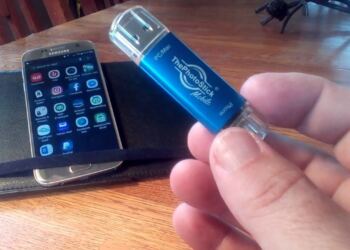



Let’s be brutally honest for a second. Losing your photos feels like losing a piece of your memory.
You’ve likely seen the ads for ThePhotoStick and ThePhotoStick OMNI promising to “magically” find and back up all your photos with a single click. No monthly cloud subscription fees, no complicated folder sorting, and no hacker stealing your data from a server.
It sounds perfect. But right now, you’re staring at checkout, wondering: What is the actual difference between ThePhotoStick and ThePhotoStick OMNI? And more importantly, which one is actually worth your money?



I’ve spent the last four years reviewing digital storage solutions, recovering lost data for clients, and testing every flash drive gimmick on the market. I bought both the original PhotoStick and the newer OMNI version.
In this guide, I’m going to strip away the marketing fluff. We are going to look at real-world transfer speeds, device compatibility (especially if you have a newer iPhone), and the hidden app quirks nobody talks about.
Quick Answer: Photostick vs Photostick OMNI
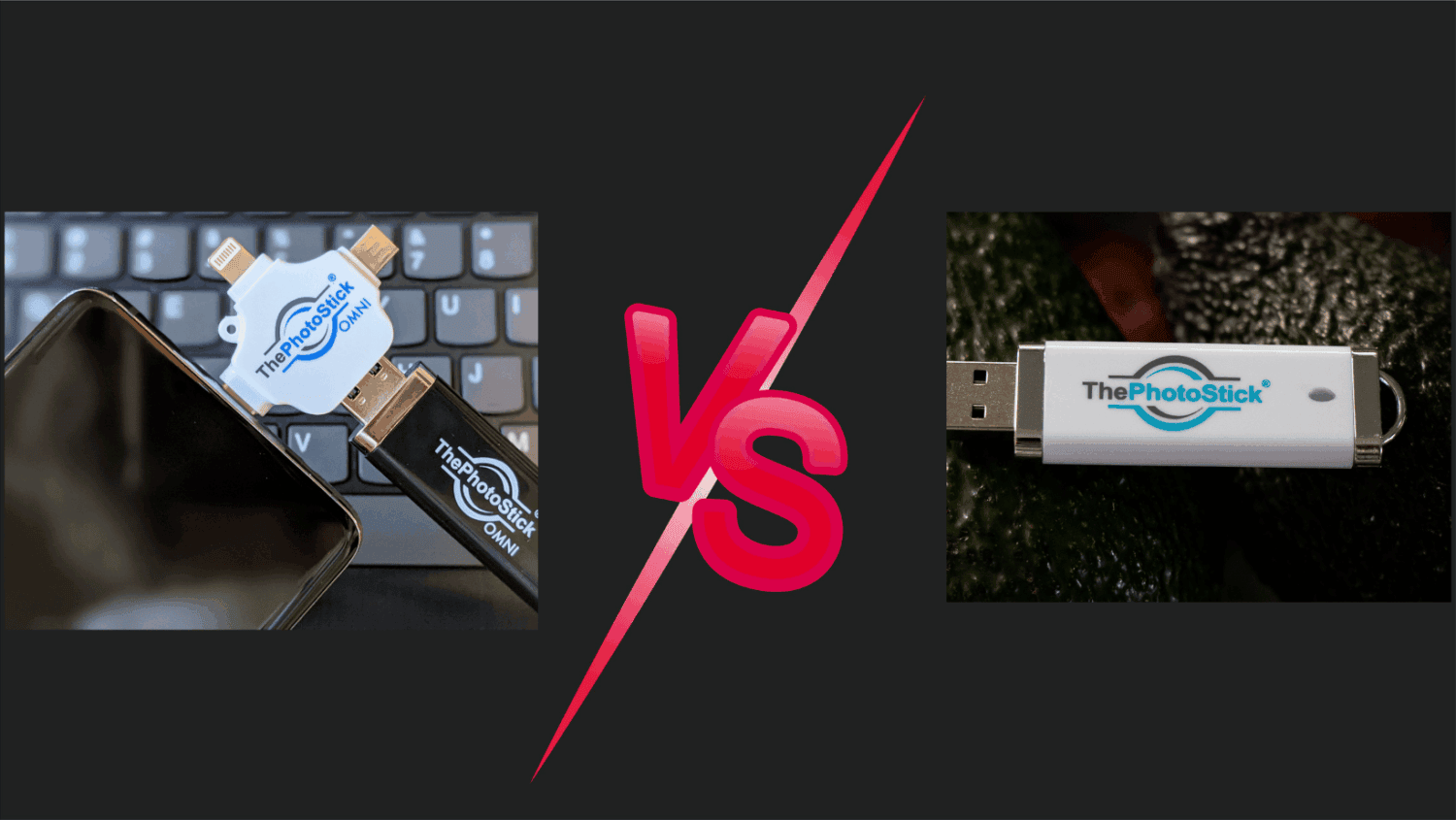
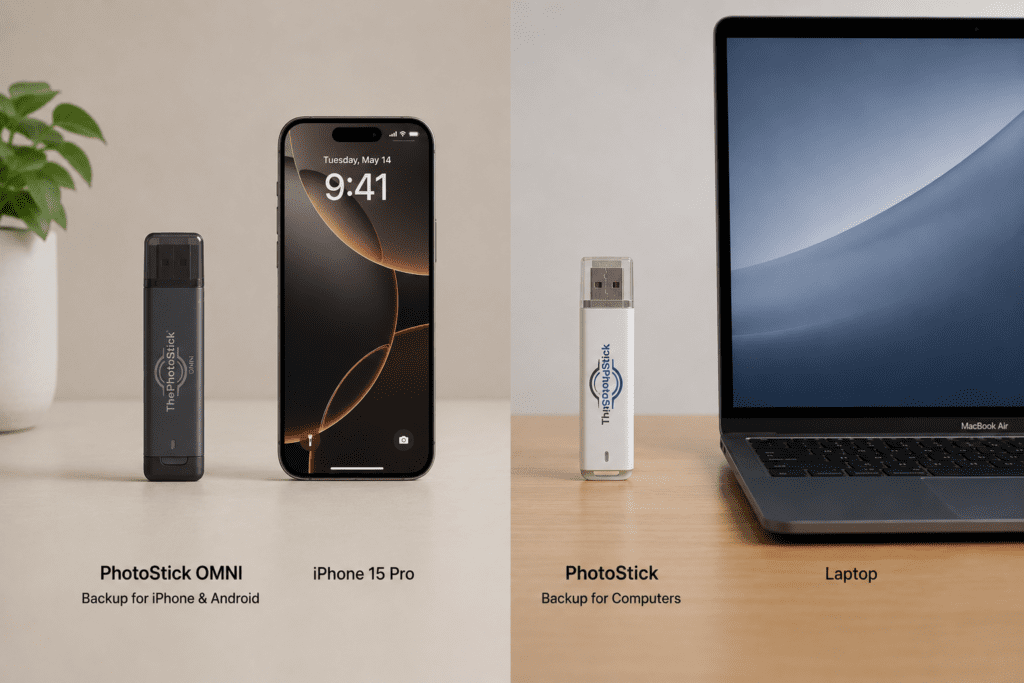
The main difference is device compatibility. The original PhotoStick only connects to Mac and Windows computers via a standard USB port. ThePhotoStick OMNI is a universal drive that includes an adapter allowing it to connect directly to iPhones, iPads, Android phones, and computers.
The 10-Second Quick Verdict
Don’t have time to read the whole breakdown? Here is exactly what you need to know:
- Buy the Original PhotoStick IF: You only take photos on a real camera, transfer them to a Windows PC or Mac, and just need a backup of your computer.
- Buy ThePhotoStick OMNI IF: You take photos on your smartphone (iPhone or Android), have an iPad, or want to consolidate photos from multiple different devices onto one single drive.
Expert Tip: Because Apple switched to USB-C on the iPhone 15 and 16, the original PhotoStick is completely useless for modern mobile shooters. You must get the OMNI if you want direct-from-phone mobile backup.
The Core Difference: Hardware vs. The “Universal” Adapter
The software inside both of these devices is essentially the same. The magic is in the proprietary code that automatically scans your hard drive, finds hidden .jpg, .png, and .mp4 files, and copies them while skipping duplicates.
The difference lies entirely in how you connect it.
The Original PhotoStick: Old Reliable
The original model looks exactly like a standard thumb drive you used in 2010. It features a standard USB-A connector.
- The Good: It’s incredibly sturdy, simple, and virtually indestructible.
- The Bad: You cannot plug it into a smartphone. If your photos are on your phone, you have to email them to yourself, plug your phone into the computer with a wire, transfer them to the PC, and then use the PhotoStick. It defeats the purpose of “one-click” ease.
ThePhotoStick OMNI: The Swiss Army Knife
The OMNI is a massive upgrade in terms of hardware versatility. It comes with a specially designed adapter head that splits into multiple connections:
- Standard USB (for old laptops)
- USB-C (for newer Macs, modern Androids, and iPhone 15/16)
- Lightning (for older iPhones like the 12, 13, and 14)
- Micro-USB (for older Android devices)
This means you can plug the OMNI directly into your phone’s charging port, open the app, and back up thousands of photos while sitting on the couch.
Head-to-Head Comparison Table
To make this perfectly clear, here is how the two stack up side-by-side:
| Feature | Original PhotoStick | PhotoStick OMNI | The Winner |
| Plugs directly into iPhone? | ❌ No | ✅ Yes (Lightning & USB-C) | OMNI |
| Plugs directly into Android? | ❌ No | ✅ Yes | OMNI |
| Works on PC / Mac? | ✅ Yes | ✅ Yes | Tie |
| Removes Duplicates? | ✅ Yes | ✅ Yes | Tie |
| Requires an App? | ❌ No (Desktop auto-runs) | ✅ Yes (Free Mobile App) | Depends on preference |
| Starting Price | ~$34.99 | ~$59.99 | Original |
Real Talk: Let’s Discuss the Mobile App (The Elephant in the Room)
If you read forums like Reddit, you’ll see people praising the concept but occasionally groaning about the OMNI app. I want to address this directly because it’s where most people get tripped up.
When you plug the OMNI into your phone, you have to download their free app. If you have 15,000 photos spanning a decade, and you try to back them all up in one tap, the app might freeze or drain your battery.
Here is my insider workaround:
If you buy the OMNI, do your very first backup in batches. Select the first 2,000 photos. Let it run. Take a break. Do the next 2,000. Once your initial massive backlog is saved, future backups take seconds because the software remembers what it already saved and only copies new photos.
Cost Analysis: Are You Paying Too Much?
A massive criticism of both products from the tech community (like PCMag or Wirecutter readers) is: “It’s just a flash drive! Buy a $10 thumb drive at Best Buy!”
They are technically right about the hardware. But they are entirely missing the point.
You aren’t paying $60 for a piece of plastic and flash memory. You are paying for the automation software.
If you buy a $10 thumb drive, you have to:
- Create a new folder.
- Manually hunt through your C: Drive for every photo.
- Accidentally copy the same photo three times.
- Spend your entire Saturday organizing files.
The PhotoStick models do this for you in minutes. Furthermore, compare the $59.99 one-time fee of the OMNI to Apple’s iCloud. Paying $2.99 a month for cloud storage costs you $179 over five years—and if you stop paying, you lose access to your extra storage. The stick is yours forever.
Which Storage Size Should You Buy?
Both models offer various sizes. Here is a realistic breakdown of what you actually need:
- 32GB: Good for documents and a few hundred photos. Avoid if you take videos.
- 64GB (The Sweet Spot): Holds roughly 30,000 standard photos. Perfect for the average user.
- 128GB – 256GB: Mandatory if you take 4K videos of your kids/pets, or if you are backing up multiple phones onto one single OMNI stick.
The Final Verdict: My Recommendation
Stop overthinking it. The tech landscape has changed rapidly in the last three years. We are now a mobile-first world.
Unless you are buying a gift for an 85-year-old grandfather who still uses a desktop Windows 7 computer and doesn’t own a smartphone, the original PhotoStick is largely obsolete.
You need to buy ThePhotoStick OMNI.
The peace of mind of being able to plug it into your iPhone during a vacation, back up your photos, and immediately free up space on your phone so you can take more pictures is worth the extra $20.
Check The Current Discount on ThePhotoStick OMNI Here
Shop the Original PhotoStick for PC Here
Frequently Asked Questions
Does the PhotoStick OMNI work with an iPhone 15 or 16?
Yes. Because the newer iPhones use a USB-C port, the OMNI’s included adapter fits perfectly. The original PhotoStick will not work.
Do I need Wi-Fi to use either PhotoStick?
No! This is the biggest benefit. Neither device requires an internet connection, making them perfect for traveling, cruises, or areas with poor cell service.
Will it delete photos off my phone automatically?
No. By default, both models only copy your photos. Your original photos stay exactly where they are. You have to manually choose to delete them from your phone to free up space.
Is there a monthly subscription fee?
No. Both devices are a one-time purchase. There are no hidden cloud fees or software subscription costs.
What happens if I lose the OMNI adapter?
If you lose the multi-prong adapter for the OMNI, you will be left with a standard USB-A stick (essentially turning it into the original PhotoStick). Keep track of the adapter cap!